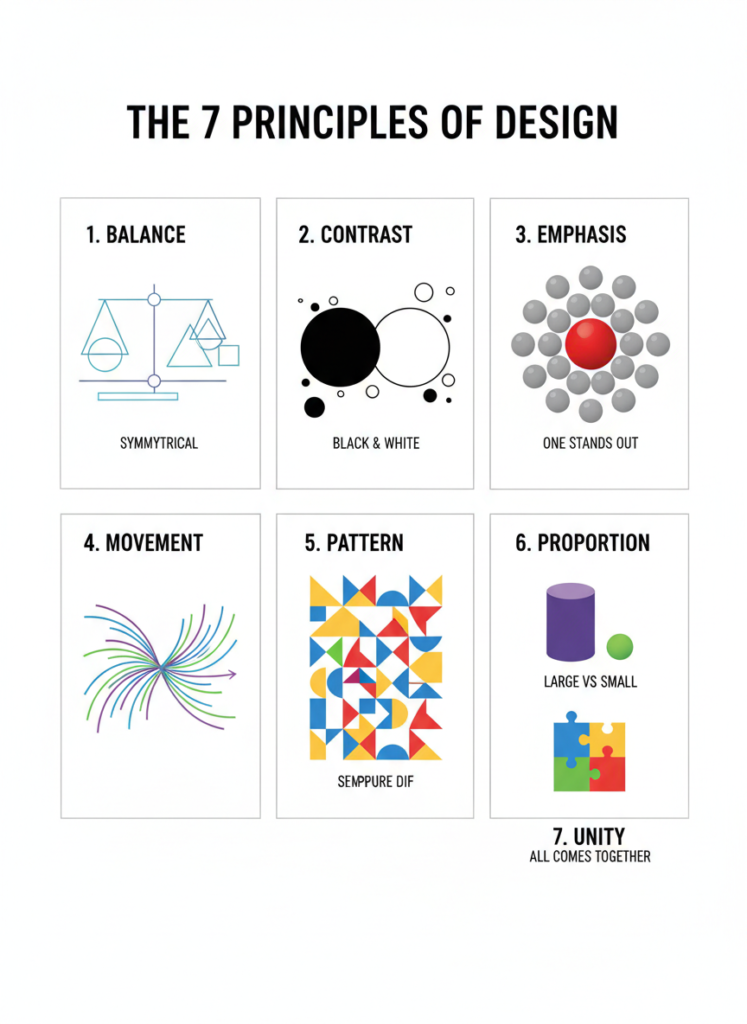
Design fundamentals are the core principles forming any successful visual design. Learning these, whether it be graphic design, web design, UI/UX, or branding, will help you frame up your designs to be clear, attractive, and on point.
Advanced software skills cannot produce professional results without strong fundamentals.
What is Design Fundamentals?
Design fundamentals are the basic visual rules that explain how elements such as color, text, spacing, and layout work together. The principles of design help designers clarify their ideas, transparently communicate messages, and direct attention.
Good design is not decoration, but visual problem solving.
Color Theory
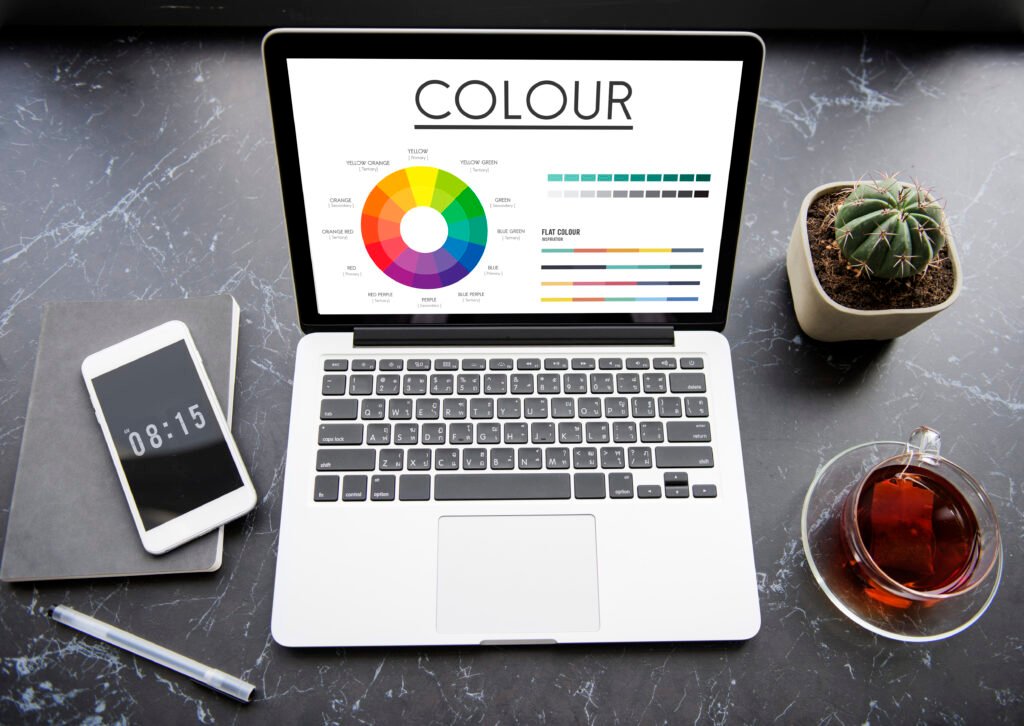
Color theory explains how colors interact and how they influence emotions and readability.
Color Key Concepts:
- Primary Colors: Red, Blue, Yellow
- Secondary Colors: Green, Orange, Purple
- Complementary colors: colors that are across from each other on the color wheel.
- Contrast: Difference of colors for readability
External Tools for Color:
- Adobe Color: https://color.adobe.com
- Coolors Palette Generator: https://coolors.co
Typography = Text & Fonts
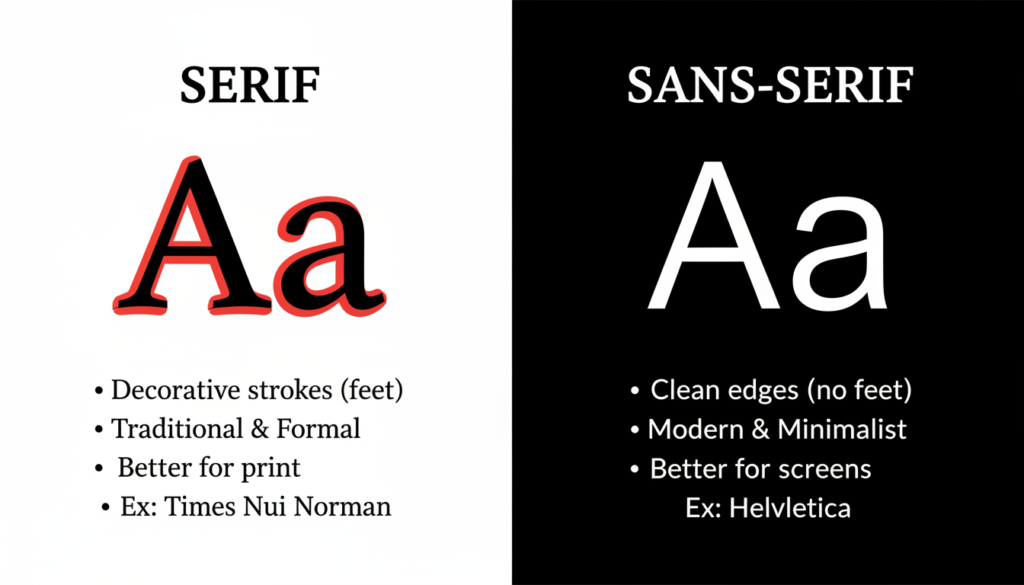
Typography is the art of arranging text so it is readable and visually appealing.
Font categories:
- Serif:Professional & Traditional
- Sans-Serif: Clean & Modern
- Presentation Fonts: Decorative (use Sparingly)
Font Best Practices:
- Limit the use of fonts to a maximum
- Keep line spacing consistent
- Paragraphs should not be in decorative fonts
External Font Resources:
- Google Fonts: https://fonts.google.com
- DaFont (for display fonts): https://www.dafont.com/
Alignment
Alignment is used to organize content and add visual order.
Kinds of alignment:
- Left
- Center
- Right
- grid alignment
☑ Correct alignment increases professionalism
❌ Poor alignment leads to confusing designs
Contrast
Contrast: Makes critical information more prominent.
Examples:
- Light text on dark background
- Huge headings & small body texts
- Bright colors on light backgrounds
✅ Improves readability
✅Guides viewers’ focus
Balance
Balance is the key to achieving stability
Kinds of Balance:
- Symmetrical : Equal on both sides
- Asymmetrical : Different elements balanced visually
- Radial : Components organized around a focal point
Sometimes logos incorporate symmetry; asymmetry is preferred in modern website designs.
Visual Hierarchy
Hierarchy tells users what to look at first.
Hierarchy is established through the use of:
- Size
- Color
- Position
- Font weight
Example:
Heading → Subheading → Text → Button
✔ Must-have for UX & readability
White Space – Negative Space
White space refers to the negative area between elements.
Benefits:
- Improve readability.
- Gives designs an appearance of being premium.
- Highlights important information
Professional designs use more white space, not less.
Consistency
Consistency builds trust and brand identity.
Keep the following consistent:
- Fonts
- Colours
- Spacing
- Button Variants
- Icon styles
This is important for branding and websites.
“For more advanced techniques, read our article on Graphic design in your layouts.”
Design Fundamentals Practice Tools
Entry-level tools:
- Adobe Photoshop – Image editing
- Adobe Illustrator – Vector & logo design
- Figma – UI/UX & web design
- Canva – Easy drag-and-drop design
Free Learning Resources
- Adobe Learn: https://www.adobe.com/learn
- Interaction Design Foundation:https://www.interaction-design.org/
- Coursera Design Courses: https://www.coursera.org
Who Should Learn Design Fundamentals?
- Beginners in graphic design
- Web Developers
- UI/UX Design
- Students & freelancers
- Content Creators
Knowing fundamentals, you’ll find that everything is easier.
Conclusion
The principles of design are the building blocks of great design. Before delving into more sophisticated tools or designs, understand how color, type, space, and composition interact. To become professionals, amateurs need strong fundamentals.